How to Fix SFP Unsupported
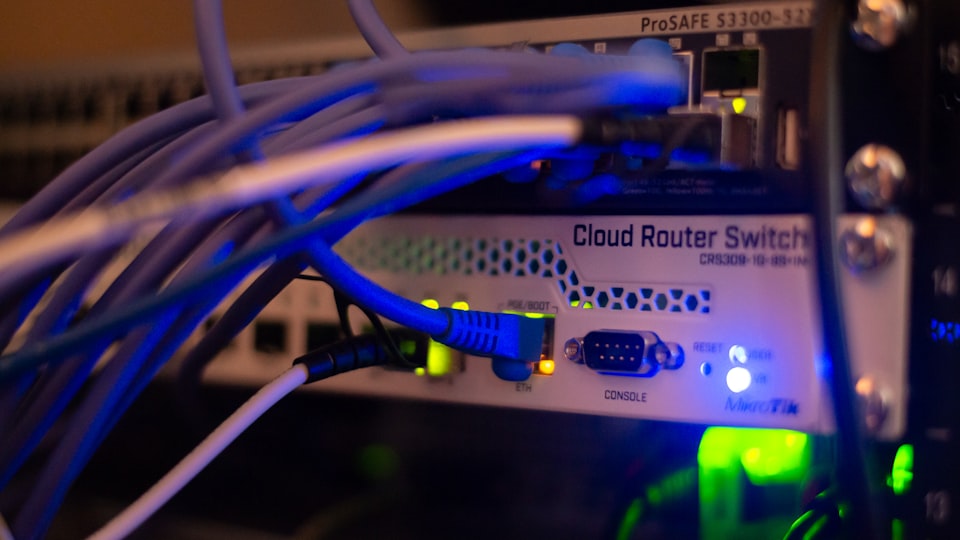
If you've encountered difficulties in locating the appropriate interface with a 10G uplink, you may have observed instances where the interface fails to appear. This happens when the ixgbe module fails to load due to the detection of an unsupported SFP+ module type.
Wondering how to resolve (ignore) this issue?
Identifying the Unsupported SFP Issue:
- Execute the command
lspci | grep -i netto view the number of NIC ports connected to the motherboard. - Check the number of interfaces by running
ip aand compare it with the NIC ports detected in the previouslspcicommand. - If the number of detected links is fewer than the NIC ports, it indicates an issue with the unsupported SFP+.
Understanding the Cause:
Intel restricts the use of certain SFPs on their NICs due to support issues, with settings configured in the EEPROM. Overcoming this involves adding a parameter to the grub file, as explained below.
To confirm if the issue is due to an unsupported SFP+, add the parameter options ixgbe allow_unsupported_sfp=1 to the ixgbe module in the file /etc/modprobe.d/ixgbe.conf.
Follow these steps:
- Open the file
vim /etc/modprobe.d/ixgbe.conf. - Add parameter:
options ixgbe allow_unsupported_sfp=1. - Reload the module with
rmmod ixgbe; modprobe ixgbe. - Check the interface status with
ip a.
If the interface appears after these steps, it confirms an unsupported SFP+ issue. Note that this test is not permanent and resets upon reboot.
Permanent Fix:
To permanently resolve the issue, follow these steps:
- Open the grub file
vim /etc/default/grub. - Add the parameter to the line:
GRUB_CMDLINE_LINUX="ixgbe.allow_unsupported_sfp=1". - Update the grub configuration:
grub-mkconfig -o /boot/grub/grub.cfg. - Reload the module with
rmmod ixgbe && modprobe ixgbe. - Try to reboot your server, and the interface should now be functional.
The issue with the unsupported SFP+ is now resolved.
Member discussion